LiveU

LiveU Solo User Guide

Step 1: Power On and Power Off

Connect the Solo power supply, and press and hold the power button until the screen lights up, indicating that it is booting up. The boot process usually takes 1 to 2 minutes, so please be patient. While in the powered-on state, press and hold the power button to display the shutdown progress bar, which typically requires a long press of 5 seconds.

Step 2: Go online

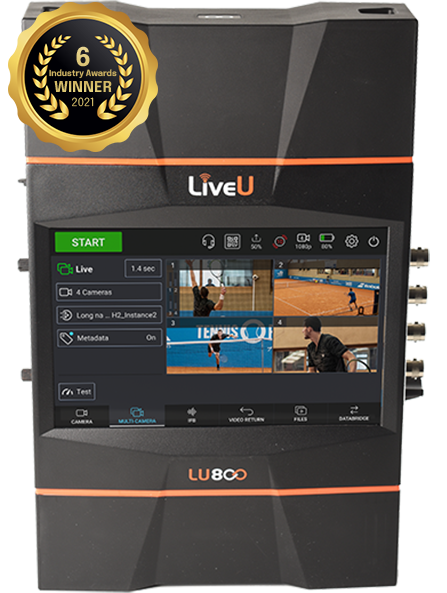
LiveU LU600 New 4G Live Streaming System

Brand new 4G live streaming system—LU600

LU600 is LiveU's sixth-generation portable live video acquisition device, designed for live news gathering at global sports events and major news reporting. The LU600 supports the highest resolution video in the industry, offering the highest transmission rates (up to 20Mbps), the fastest file transfer speeds (80Mbps), and the lowest latency (0.5 seconds), setting a new industry standard for IP bonding technology.

LiveU re-enters the Chinese market with full force, ramping up business operations.

LiveU (Tel Aviv) headquarters recently announced new personnel adjustments. Effective December 1, 2017, Mr. Shen Xin was relieved of his duties as General Manager of the China region, and Dr. Fei Yue was appointed as the new General Manager of LiveU China, fully responsible for the administrative and business management affairs of LiveU in China, and will begin to form a new management team for LiveU China. Dr. Fei has 19 years of experience in internet and IT technology and management. With this appointment, Dr.